Streamline Your
Business Billing
Manage your expenses efficiently, from AI-powered bill creation to automated recurring payments. Stay on top of your accounts payable—all in one place.
Bill: BILL-00002
DraftCreate
created this bill on 15 Mar 2026
Receive
Last Sent N/A
Bill
BILL-00002
Bill To
Customer
From
Company Name
Smart Bill Creation & AI Extraction
Stop manual data entry. Balnzed gives you three powerful ways to log your expenses.
AI-Powered Autofill
Simply upload a photo (PNG, JPG), or PDF of your bill. Our AI instantly extracts the vendor, date, and amounts to fill the form for you.
Manual Entry
Create detailed bills from scratch. Select your Vendor, add Document Numbers, and include References.
Quick Bills (Mobile)
For on-the-go tracking, use the "Quick Bill" feature on your mobile app to log essential details in seconds.
BILL
BILL-00001
Bill Date
27 Dec 2025
Due Date
27 Dec 2025
Bill From
Vendor Name
Vendor Address
Phone Number
From
Company Name
Company Address
Phone Number
| Description | Quantity | Price | Amount |
|---|---|---|---|
| Description | 1 | $1,250.00 | $1,250.00 |

Feature
Item Categorization
System
Chart of Accounts
Advanced Bill
Customization
Maintain precise records with categorization designed for modern business operations.
Bill Entry Dashboard
| Items | Description | Qty | Price | Account | Tax Rate | Amount | |
|---|---|---|---|---|---|---|---|
Rs | 0Rs |
Effortless Payment Tracking
Never miss a due date again with our visual Billing Dashboard. Track Total Overdue and Due amounts at a glance.
Bill: BILL-00001
ReceivedCreate
Jeewan mahendra created this bill on 15 Mar 2026
Make Payment
Amount due: $1,250.00
Payment Made :
No records.
Partial Payments
Record payments as they happen. The system automatically updates the "Awaiting Payment" balance in real-time.
Audit Trail
Maintain 100% transparency with a complete activity history for every bill from draft to final payment.
Set and Forget It
Recurring Bills
Automate your regular overheads like rent, utilities, and subscriptions. Let the system handle the scheduling while you focus on growth.
Auto-Scheduling
Define frequency (weekly, monthly) and repeat cycle.
Auto-Notifications
Keep vendors informed without manual email triggers.
Your Financial Data, Anywhere
Our bi-directional sync ensures that any bill created or scanned on mobile is instantly reflected on your web dashboard.
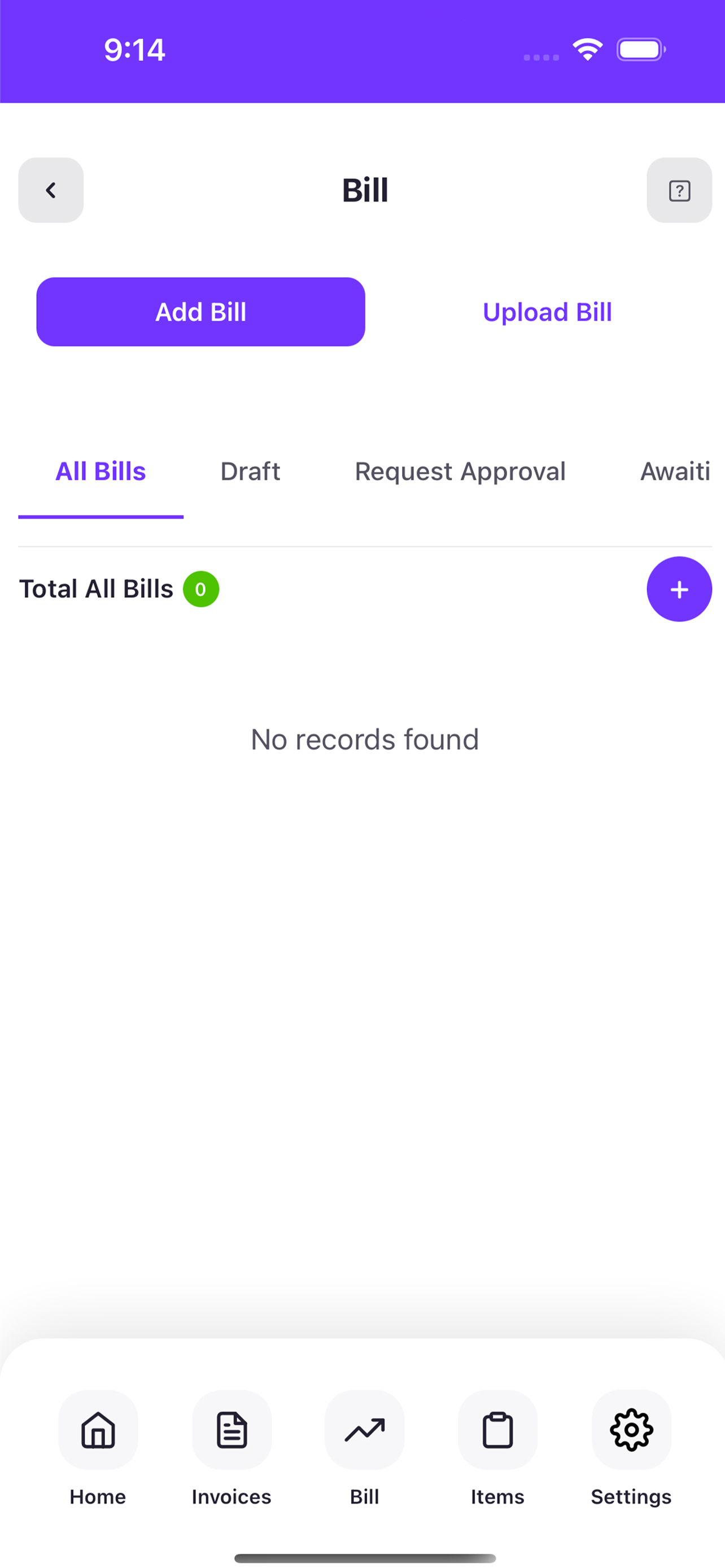
Real-Time Sync
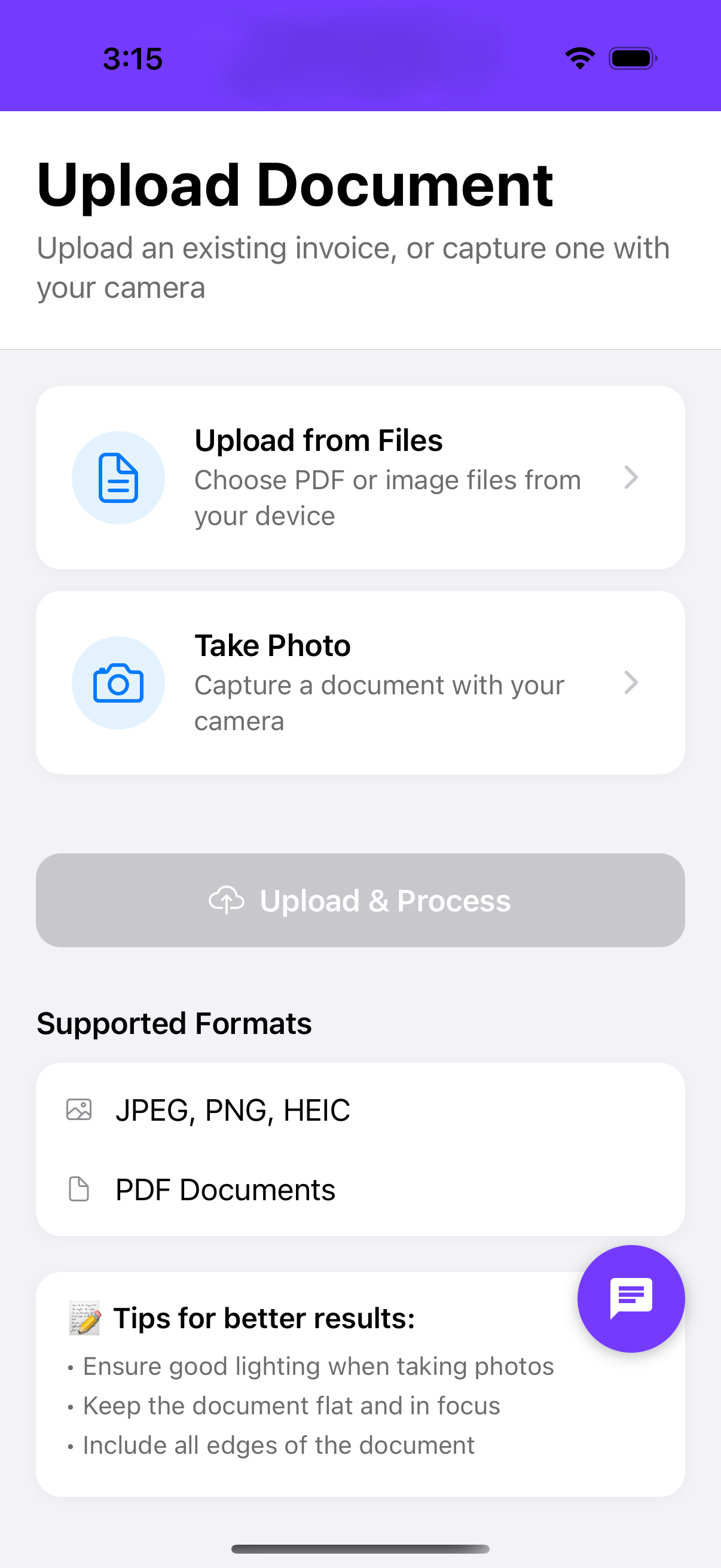
Mobile Scanning
Frequently Asked Questions
How do I create a bill in Balnzed?
You can upload a file (PDF/Image) for AI-autofill, use the "Quick Bill" feature on mobile, or manually enter details via the "New Bill" button on your dashboard.
Can I track partial payments?
Yes. You can record partial payments against any bill, and the system will automatically update the "Awaiting Payment" balance for real-time accuracy.
How do recurring bills work?
Simply define your vendor and frequency. Balnzed will automatically generate the bill on the scheduled date and can even send an automated email notification to your team or vendor.
Can I filter my bills?
Absolutely. You can filter your billing dashboard by status (Draft, Paid, Overdue, etc.) or by specific vendors to find exactly what you need in seconds.